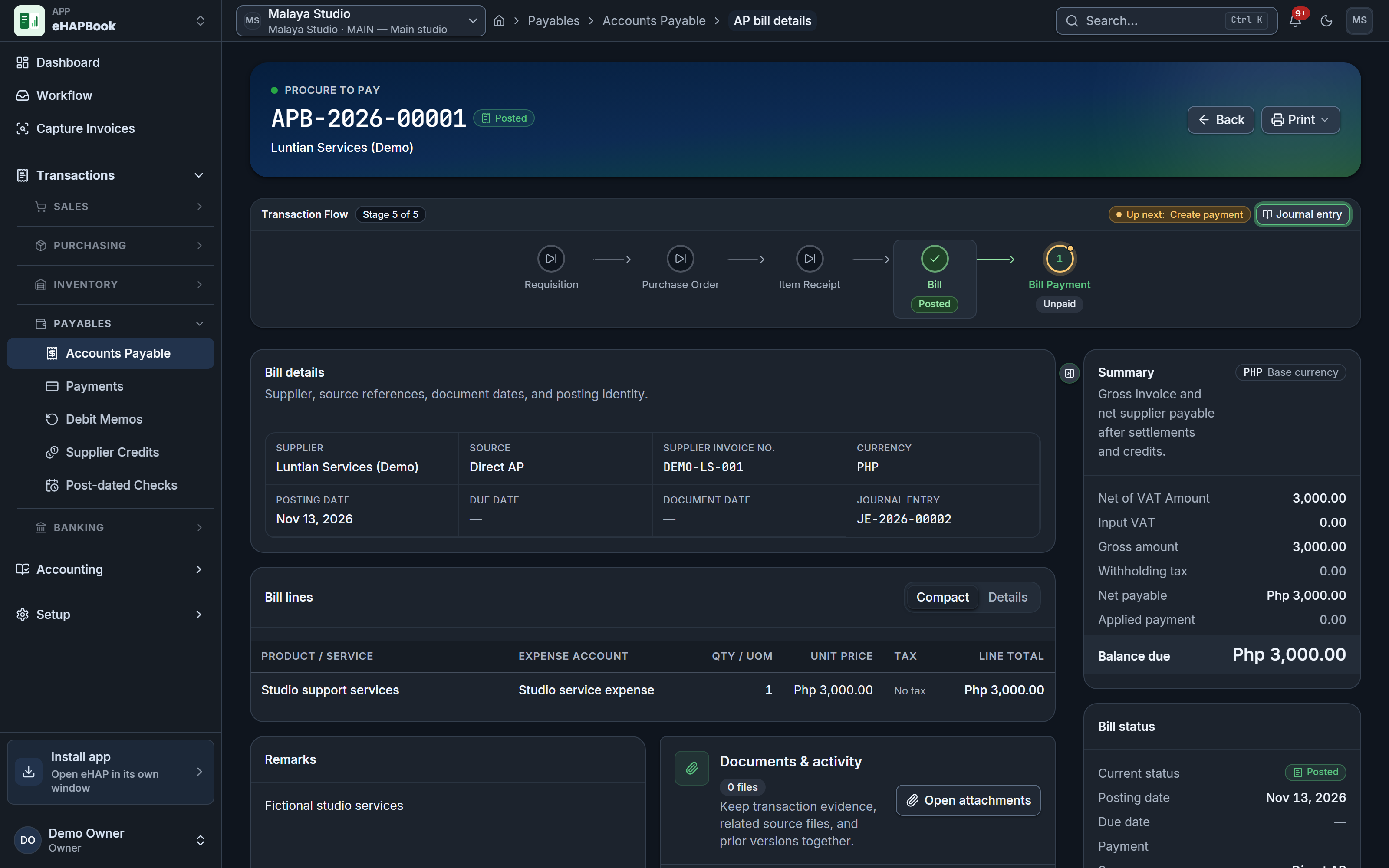
Sales and collections
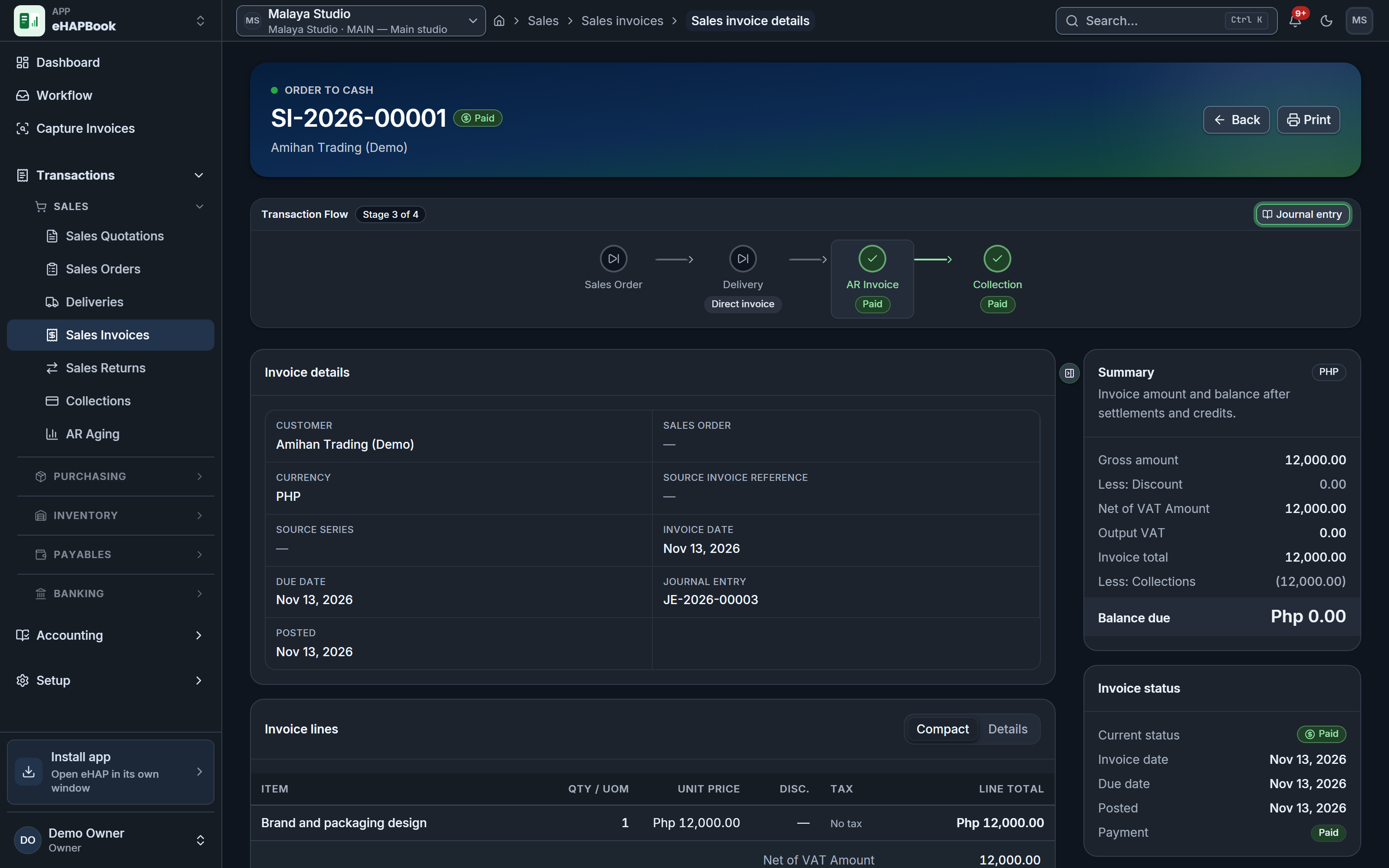
Work from quotations and orders through deliveries, sales invoices and collections. Review outstanding customer balances with AR Aging.
Sales · Receivables
Rendering preview…
Sales
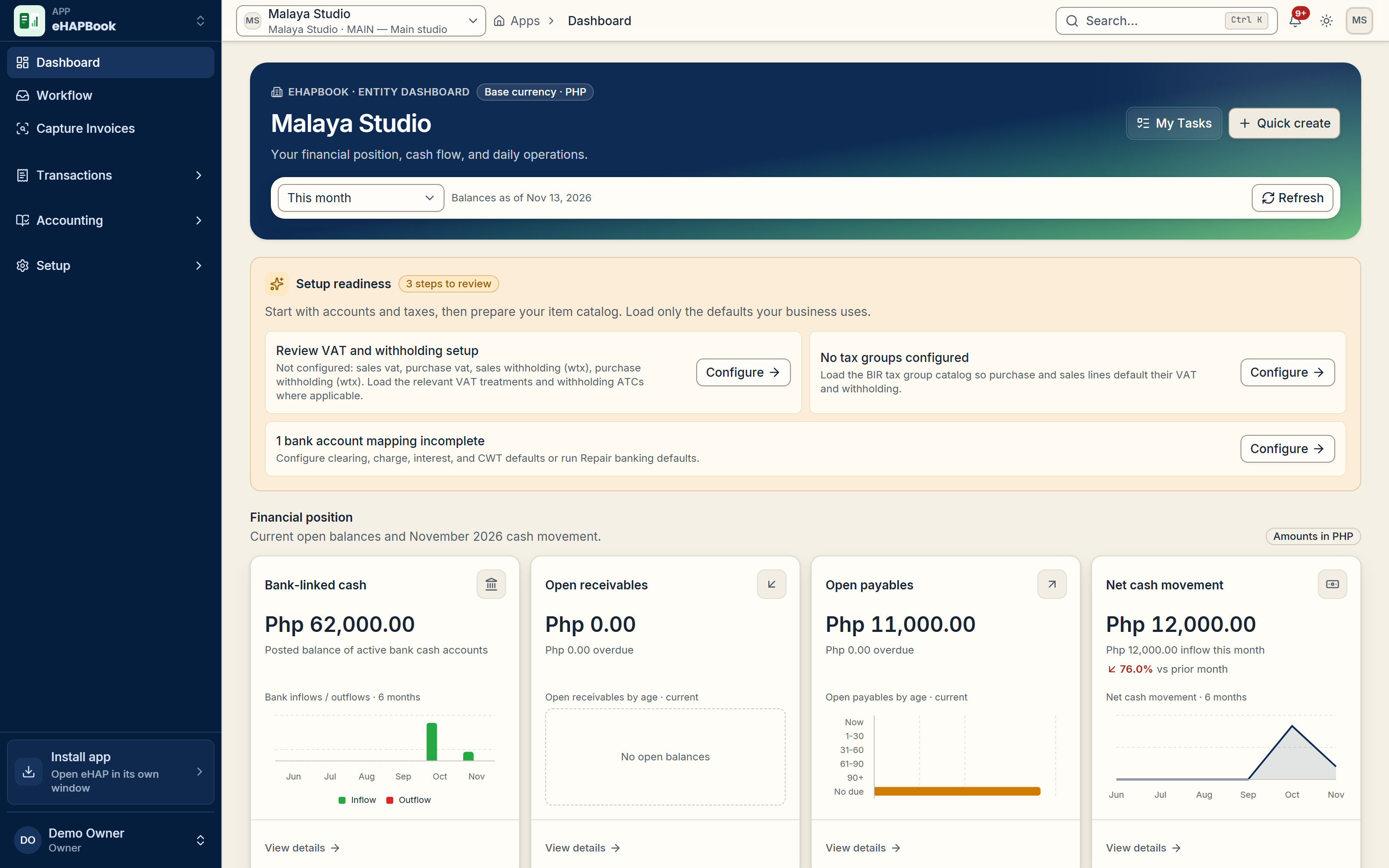
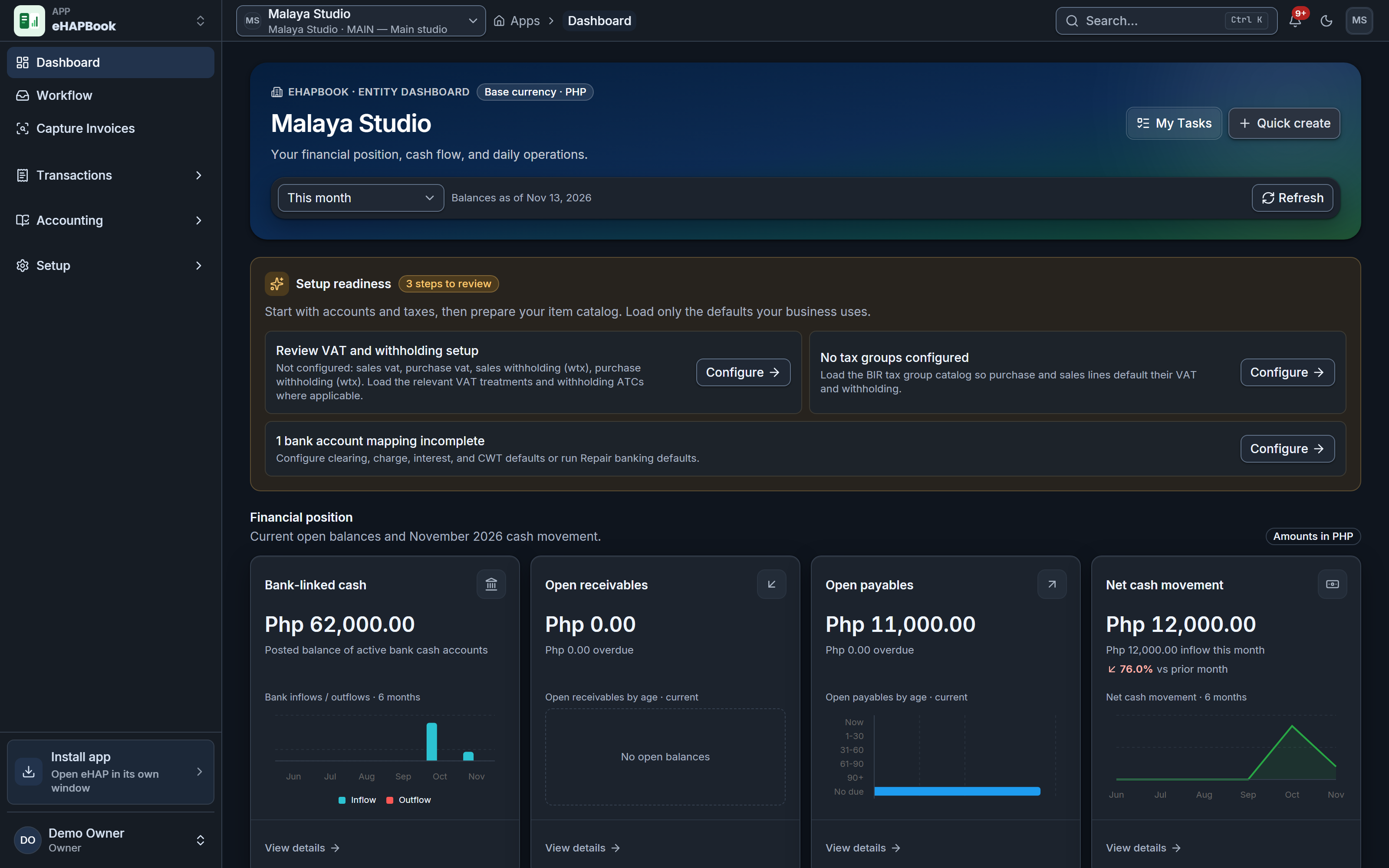
eHAPBook · Overview
Actual screen · Fictional sample data · Malaya Studio
eHAPBook · Overview
Actual screen · Fictional sample data · Malaya Studio
Explore actual screens from all five applications. Choose an application tab, step through the interactive screen carousel, and enlarge any capture for a closer look.
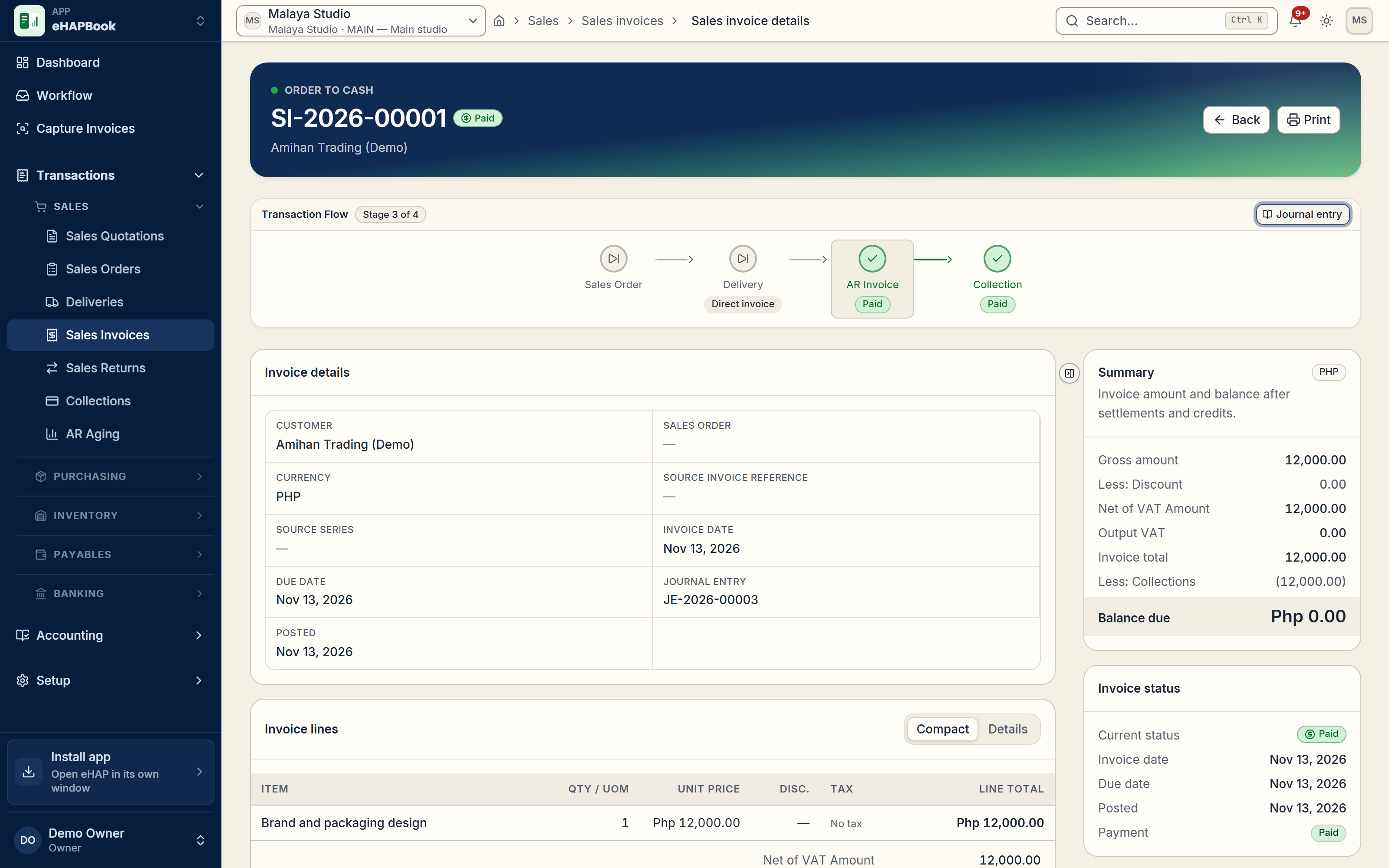
Review a sales invoice and the debit and credit lines linked to its source document. Collections and aging help you follow what remains to collect.
Key workspace capabilities
Actual application screens with fictional sample data. Workspace access and actions depend on your package, permissions and configured workflow.
Rendering preview…
Sales
eHAPBook · Sales
Actual screen · Fictional sample data · Malaya Studio
Select any application tab or use Previous / Next to inspect each workspace
Inside eHAPBook
From the first document to the supporting report, work with the accounting features already available in the application.
Work from quotations and orders through deliveries, sales invoices and collections. Review outstanding customer balances with AR Aging.
Sales · Receivables
Rendering preview…
Sales
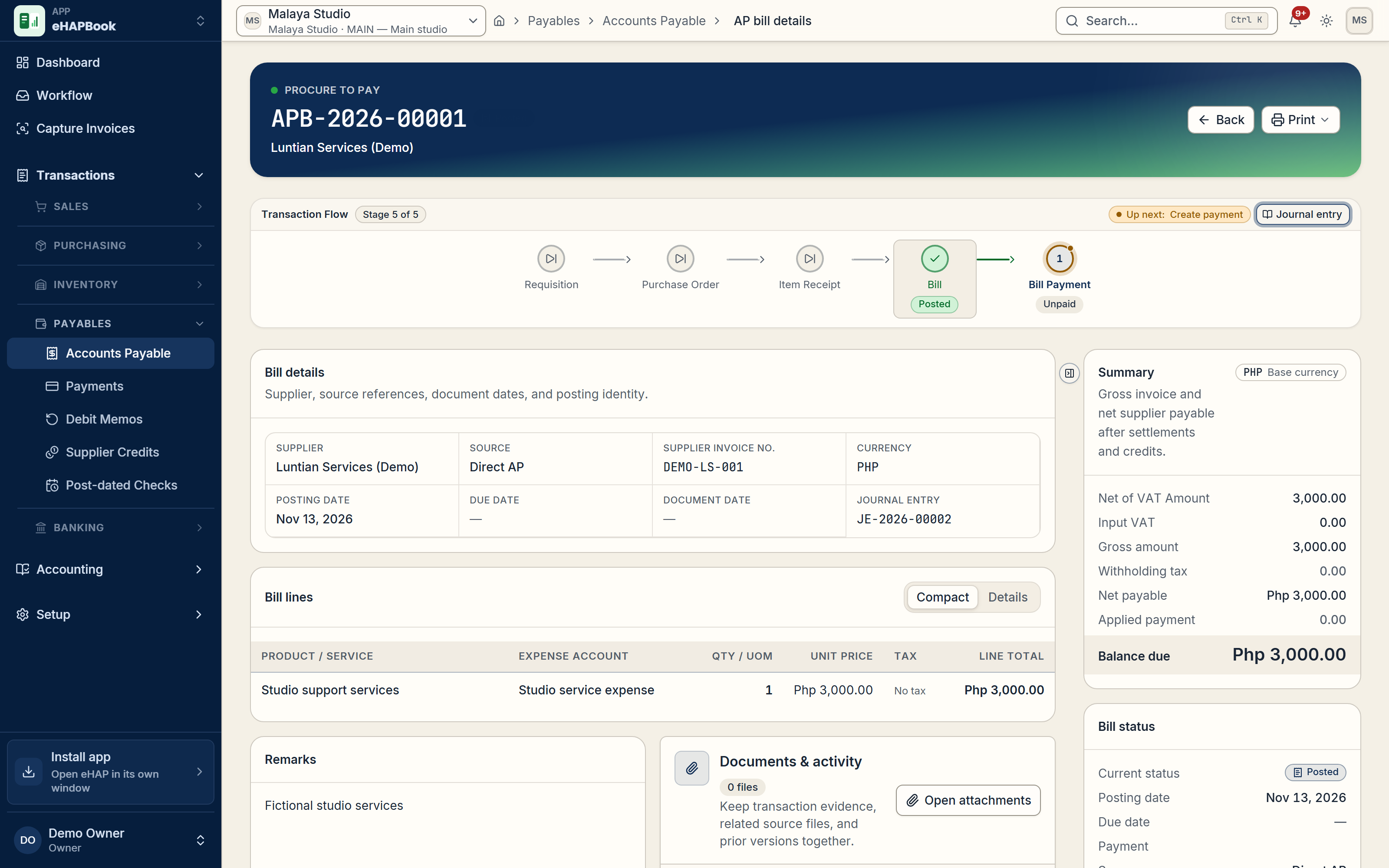
Connect requisitions, orders, receiving and AP bills. Follow payments, supplier credits and post-dated checks through their existing workspaces.
Purchasing · Payables
Rendering preview…
Purchasing
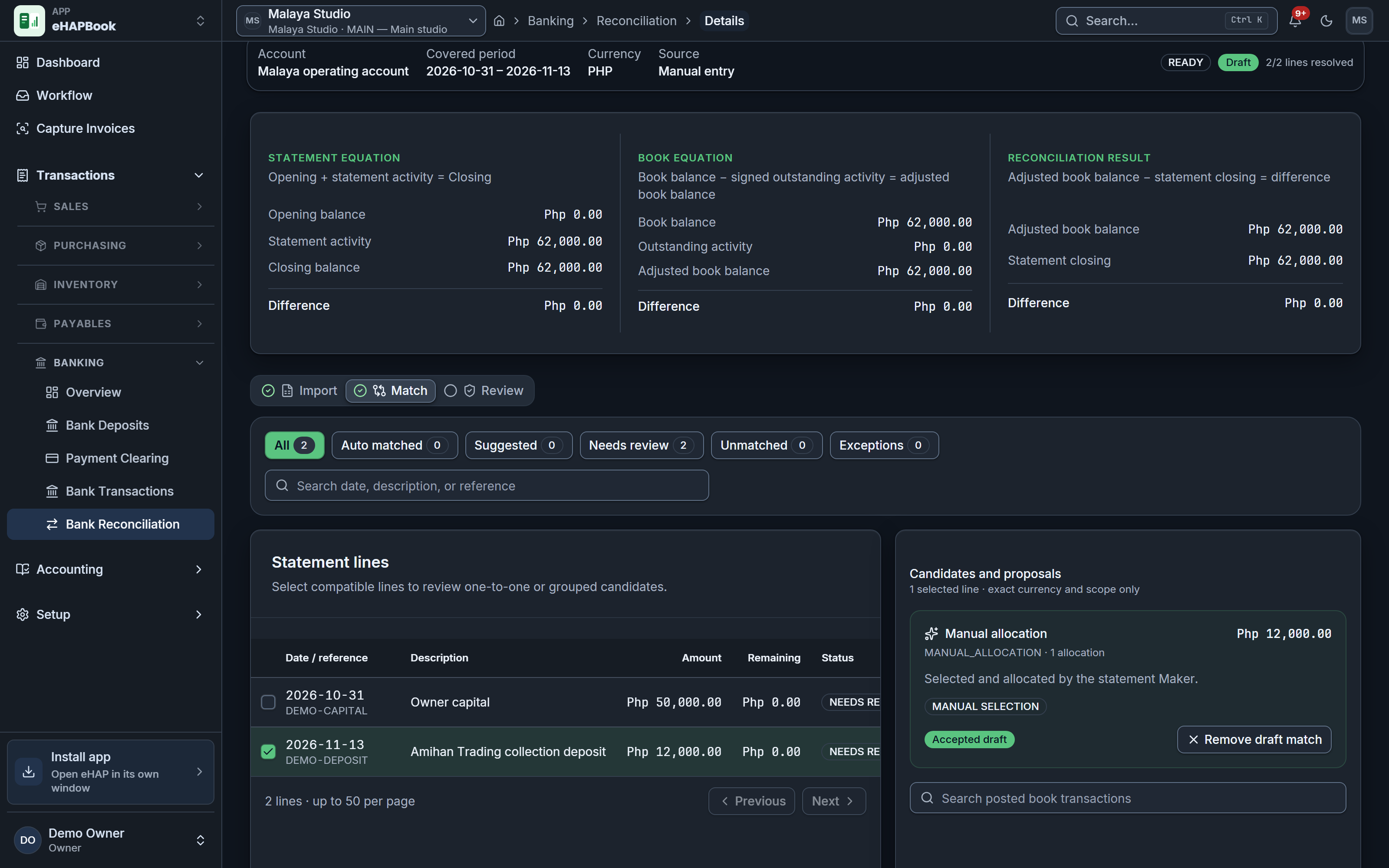
Review stock issues, transfers and adjustments. Bring deposits, payment clearing, bank transactions and statement reconciliation into the same accounting picture.
Inventory · Banking
Rendering preview…
Banking
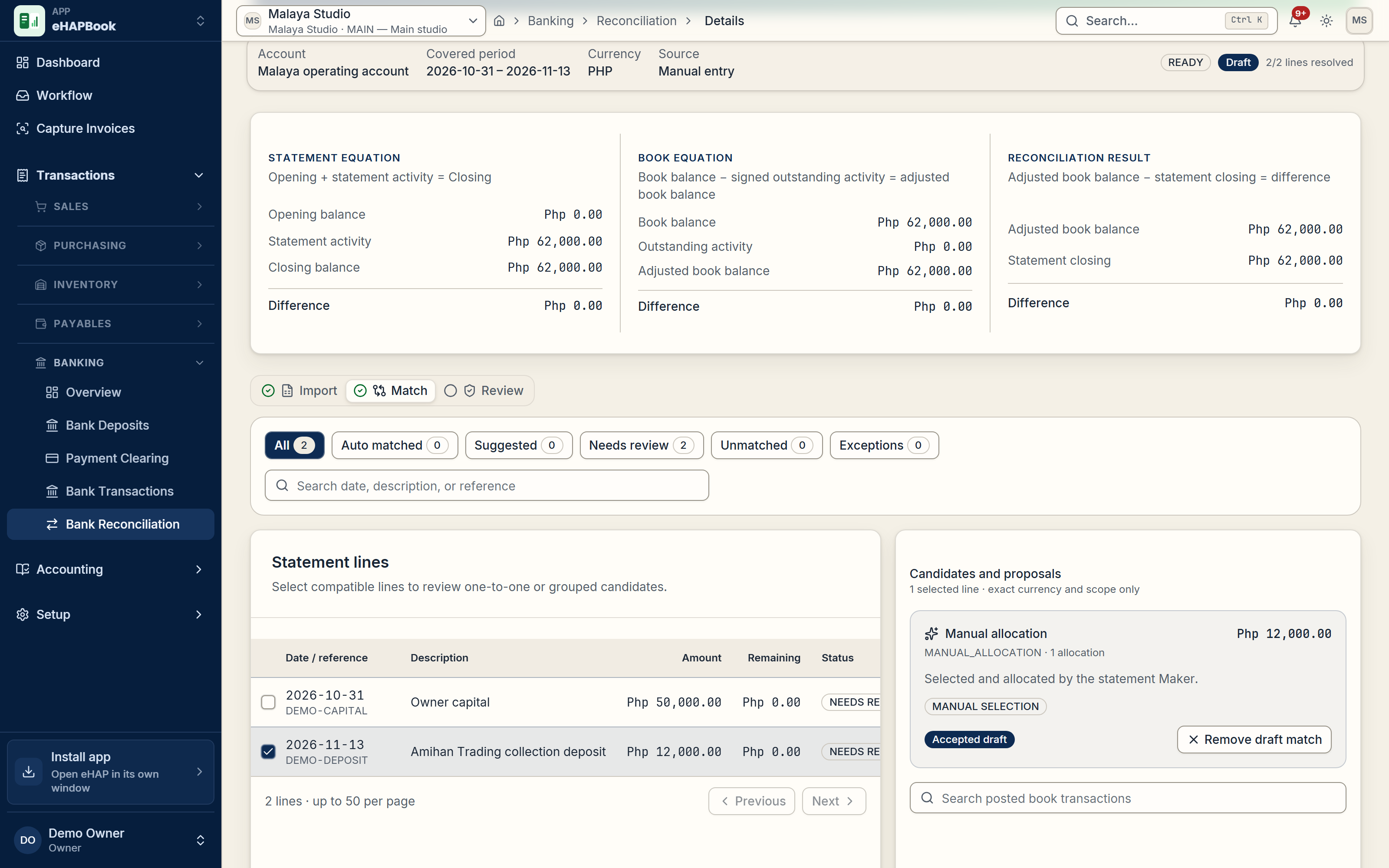
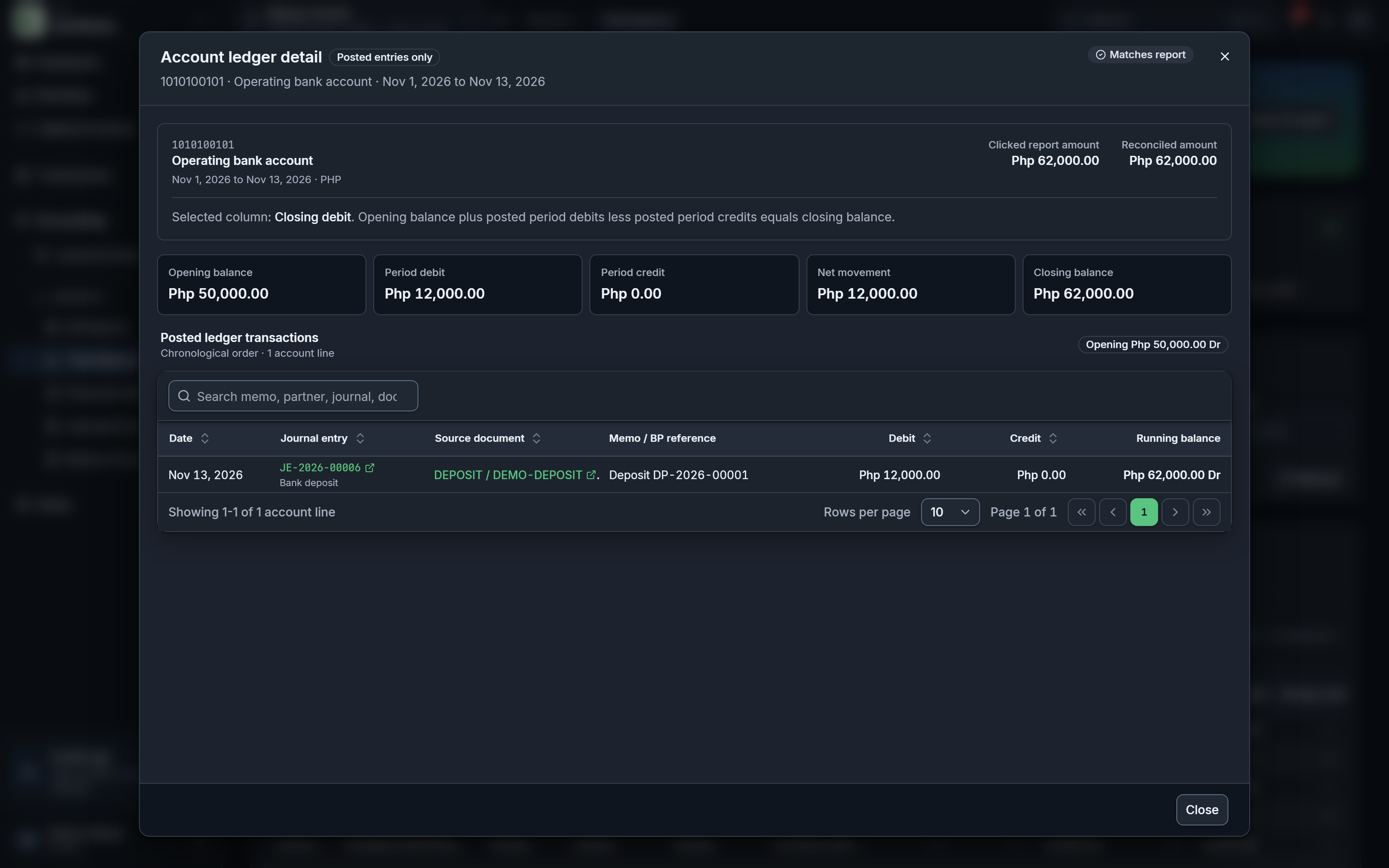
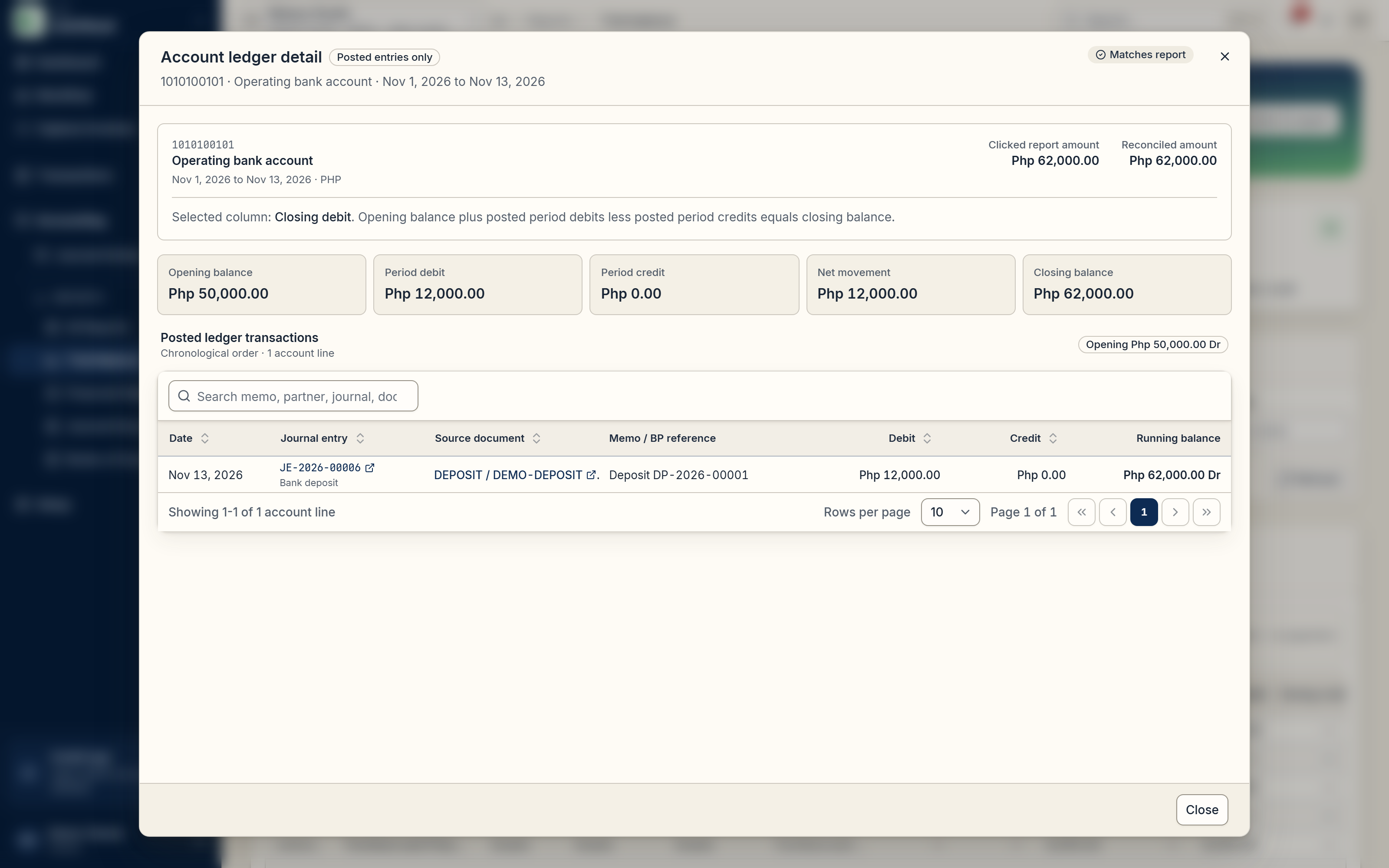
Review the Trial Balance, account ledger detail, Journal Entry Report and Books of Accounts. Build the Statement of Profit or Loss and Statement of Financial Position from posted journals.
Ledger · Financial reporting
Rendering preview…
Trial balance
Prepare the chart of accounts and accounting readiness. Review manual and source-linked journals, with responsibility routing when your workflow requires it.
Setup · Journals · Configured reviews
Reconcile Inventory Valuation with the ledger, review WHT (2307) preparation support and use the FX Revaluation worklist for open foreign-currency monetary balances.
Valuation · Withholding · Currency
Connected audit trail
The route into your books stays connected to the source. Reviews follow the workflow your organization has configured.
Illustrative example · No company data is changed.
Workflow checks assigned permissions before ledger posting
Maker (Preparer)
Billing Officer · Drafted
Routing Policy
Example configured approval workflow
Checker (Reviewer)
Accounting Supervisor · Verified
Distinct Actors
Required when the workflow is configured
Status
Review completed in this illustrative flow
Configured responsibility routing supplements ordinary permissions and posting rules.
Choose the applications your business needs. The current published packages determine which applications are offered.
Prepare and validate supported BIR forms, organize filing work and follow the configured review workflow.
Included in Business Pro, Suite, eBIR Forms Packages
Explore screenshotsPlan production, follow material consumption and review production costing in its dedicated workspace.
Included in Suite
Explore screenshotsManage fixed asset capitalization, depreciation, transfers and retirement with their supporting records.
Included in Suite
Explore screenshotsOrganize project budgets, timelines and progress through the dedicated project workspace.
Not included in current published offers
Explore screenshotsCompare included applications, user seats, taxpayers, and storage across current offers.
Compare current packagesChoose a package and register with your own email and password.
Open your confirmation link. You can resend or resume when needed.
Review the current package and complete your company and taxpayer details.
Enter your company. Your 15 day trial starts after successful setup.
Take time to get ready. Your trial clock starts after successful company and taxpayer setup, with 5 users, 3 taxpayers and 5 GiB storage. Paid package limits are listed separately below.
Current published prices in Philippine pesos. Compare the applications and paid limits, then start with a 15 day trial.
Paid plan includes, in every package
₱499.00/ month
Non VAT, no VAT charged
Annual option: ₱4,999.00/yearSave ₱989.00/year
Applications
₱1,999.00/ month
Non VAT, no VAT charged
Annual option: ₱19,990.00/yearSave ₱3,998.00/year
Applications
₱1,200.00/ month
Non VAT, no VAT charged
Annual option: ₱12,000.00/yearSave ₱2,400.00/year
Applications
Selecting a package saves a preference in this browser. Current publication, pricing and eligibility are checked again during setup. Trial limits apply during the trial; the paid limits above apply to a future paid term.
A clear view of your trial, invitations and the steps ahead.
Still wondering? Email the eHAP team